
No Code SMS with Signal House and Make.com
Wire up 10DLC texting inside Make.com in about 10 minutes — no developer, no API wrangling, no waiting on a dev sprint 🙌
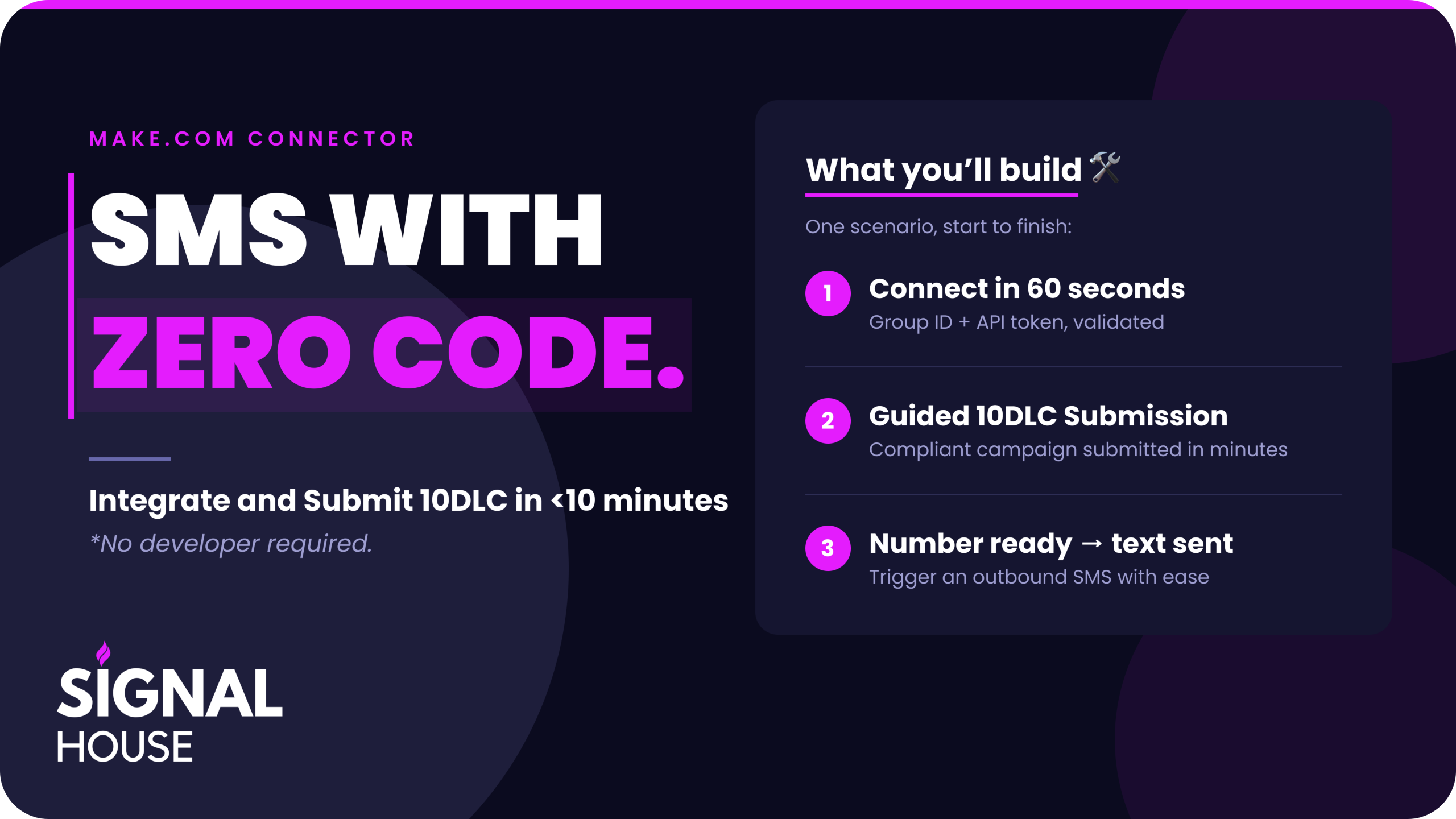
No Code SMS with the Signal House Make.com Connector!
You’ve wanted to trigger SMS from your platform for a while now. New lead comes in — text them. Invoice goes out — text them. Number goes live — text the team 📲
The blocker was never the idea. It was that every messaging provider assumed you’d hand the job to an engineer 👨💻
Not anymore. The Signal House Make.com connector lets you build real 10DLC and toll-free SMS scenarios with drag-and-drop modules — and voice is coming next 🔜
Want to see the video that inspired this post? Watch it Here!
1️⃣ Create Your Connection (This Is the Only “Technical” Part) 🔑
Open Make, start a new scenario, and drop in the Signal House module. Pick your trigger event, then create a new connection.
Make asks for exactly two things:
- Group ID 🆔
- API Token 🔐
Both live in your Signal House account, and here’s the trick — you don’t need an account first. Head to Signal House, register, set your password, drop in your estimated volume, and on the platform screen choose Make and hit Set up Make ✅
Verify your email, and your Group ID is the very first thing on screen 👀. Copy it into Make, generate an API token, copy that in too, and hit save. Make validates the connection on the spot 🎉
2️⃣ Get Your Brand and Campaign Approved 🏢
A brand new connection doesn’t have a phone number attached yet — so let’s fix that. Our product-led onboarding walks you straight through it:
- Add your card 💳: auto-recharge gets configured in the same step
- Register your brand 📋: country of registration, EIN, entity type, and legal company name
- Build your landing page 🖼️: upload a logo, crop it, write a short business description, click create. That page is what gets submitted to the carriers for review — no separate web build required 🤯
Brand review takes one to three minutes. If you have an established business and your details are accurate, it sails through ⛵
Seeing “Unverified“? 🛑 Nine times out of ten your EIN didn’t match one of four things:
- Legal company name
- Country of registration
- Entity type (private profit, public profit, nonprofit)
- Or the EIN itself
Grab your SS-4 or IRS documentation and submit an appeal. This is common for brand new businesses — it’s not a dead end 🙌
Then the campaign:
- Low volume if you’re sending under 6,000/day; standard if you’re over 📈
- Pick your use cases — account notification, customer care, and marketing are the workhorses
- Provide a sample message for each use case, and submit 📤
3️⃣ Grab a Number in Your Own Area Code ☎️
Filter by area code — say 217 — hit apply, and you’ll see every available number, plus the city each NXX maps to 🏙️. Local presence builds trust, so pick deliberately 🔍
Click buy, confirm, and the number is purchased and injected straight into your account. Right now 10DLC is the play; toll-free and short code are opening up soon 🔜
4️⃣ Build the Scenario 🛠️
Back in Make, select your connection and you’ll now see that number available as a sender.
A scenario takes about thirty seconds to finish:
- Trigger ⚡: a webhook event — for example, when a number is updated to ready
- Action 📨: Create a Message — sender number, recipient number, message body
- Save 💾
That’s it. Number goes live, text goes out. You can also create group messages or make a raw API call from the connector today, and we’re shipping dedicated modules for brands, campaigns, and phone numbers in a future update 🚀
Ten Minutes. No Code. Live SMS. ⏱️
That’s the whole thing — registration, brand, campaign, number, and a working Make scenario, start to finish. And we’re going to keep making it simpler 😎
Ready to build it yourself? Start your Signal House account and set up the Make connector today 📲
Questions? Reach the founder directly at will@signalhouse.io, or talk to our team at sales@signalhouse.io. And check out our YouTube channel for the full walkthrough 🎥👍